This update brings new ways to follow every word, reply to a specific moment, and share your voice beyond Vocial. Recording is more flexible, interrupted takes can be recovered, and Vocial now adapts to every way you hold your iPhone Duo.
Made for iPhone Duo
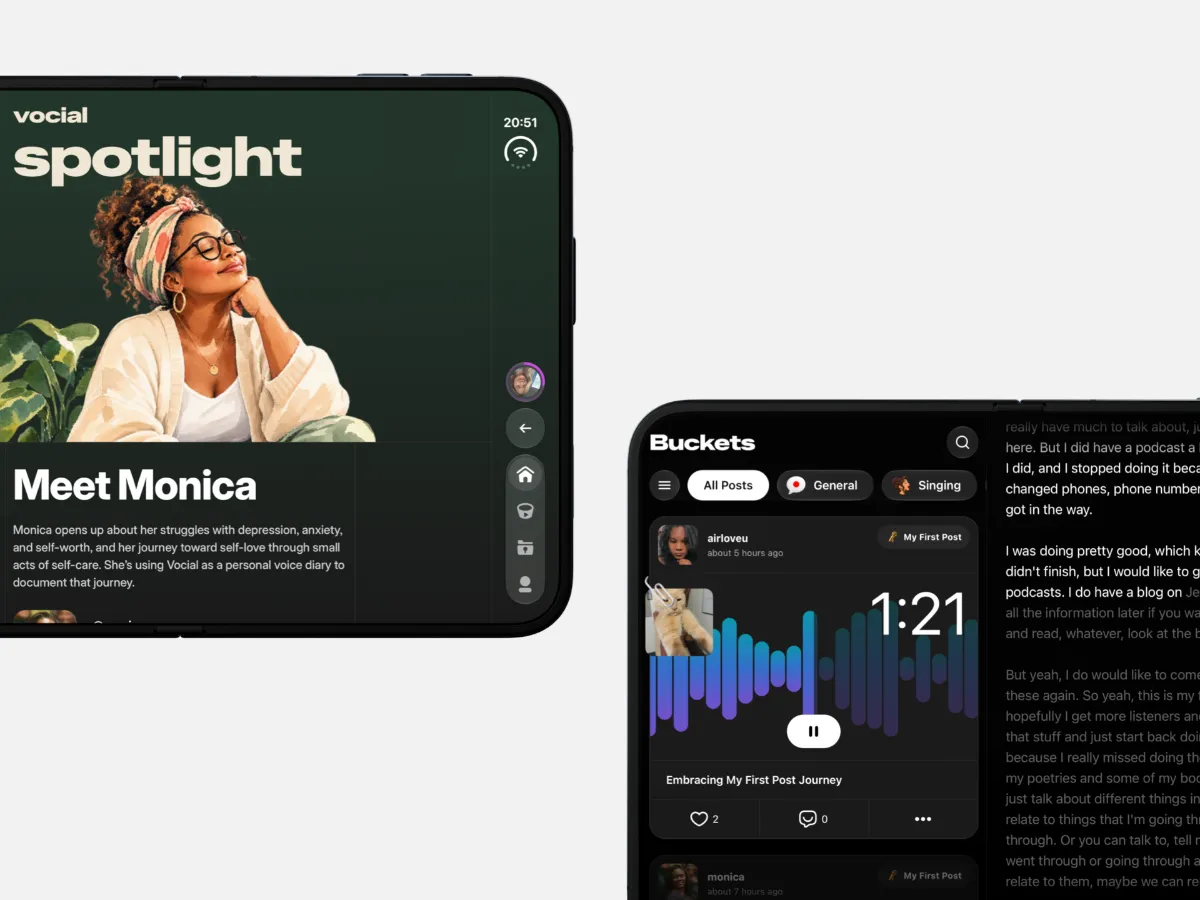
More room for your conversations.
Folded, Vocial is the app you know. Open your iPhone Duo upright, and everything sits in a comfortable, centred column.
Hold it wide, and the layout makes room for more: navigation moves to a side rail, each post’s live transcript appears beside it, and Messages shows your conversations alongside your inbox. Profiles and Settings stay centred and easy to read.
Fold or rotate mid-scroll, and everything glides into place.
Comment on a Moment
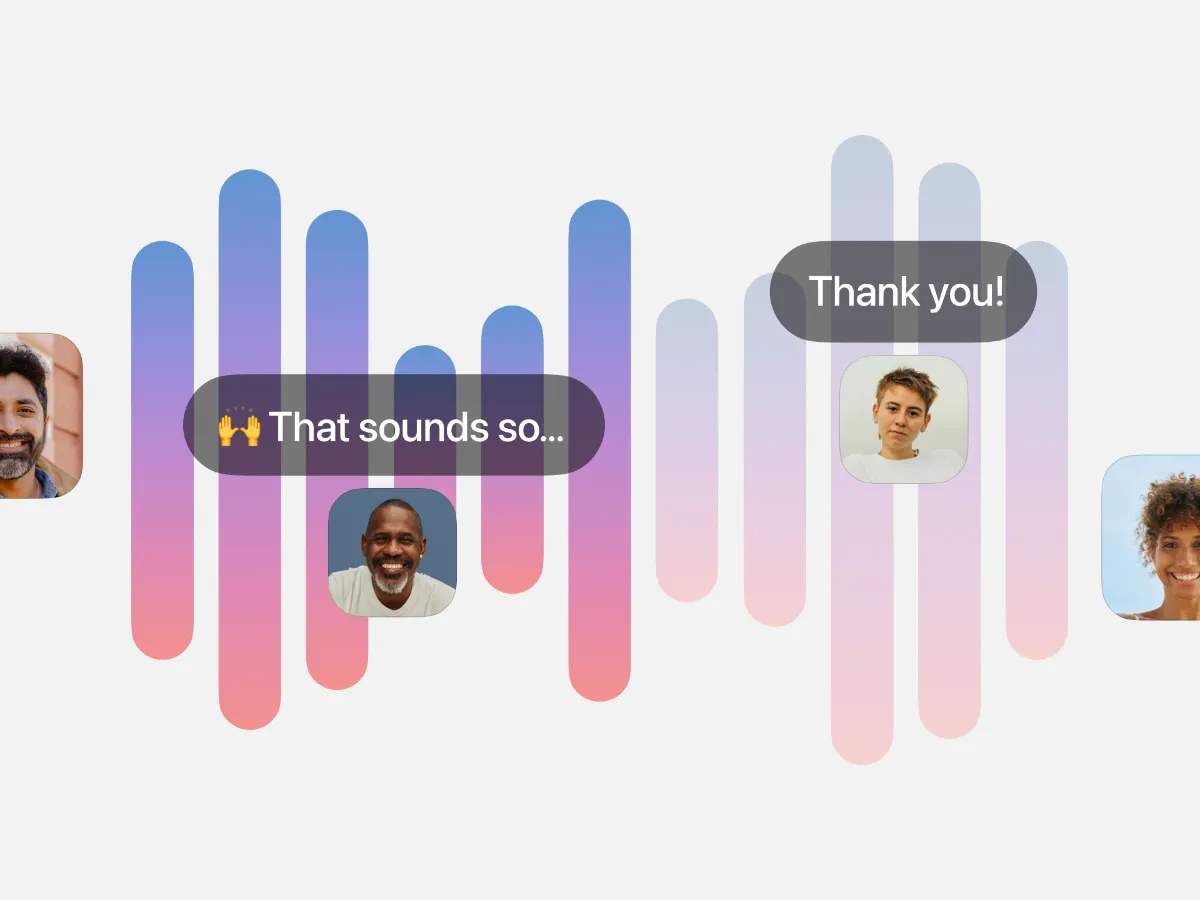
Say something about the part that stayed with you.
Comments can now point to the exact second you’re listening to. You’ll see “At 1:23” when writing one — tap ✕ if you’d prefer to leave a general comment.
Commenters’ avatars appear along the waveform, marking the moments they’ve responded to. As you listen, their comments appear in a bubble when playback reaches that point.
Tap an avatar to jump to its comment, or tap a comment’s timestamp to listen from there.
Live Captions
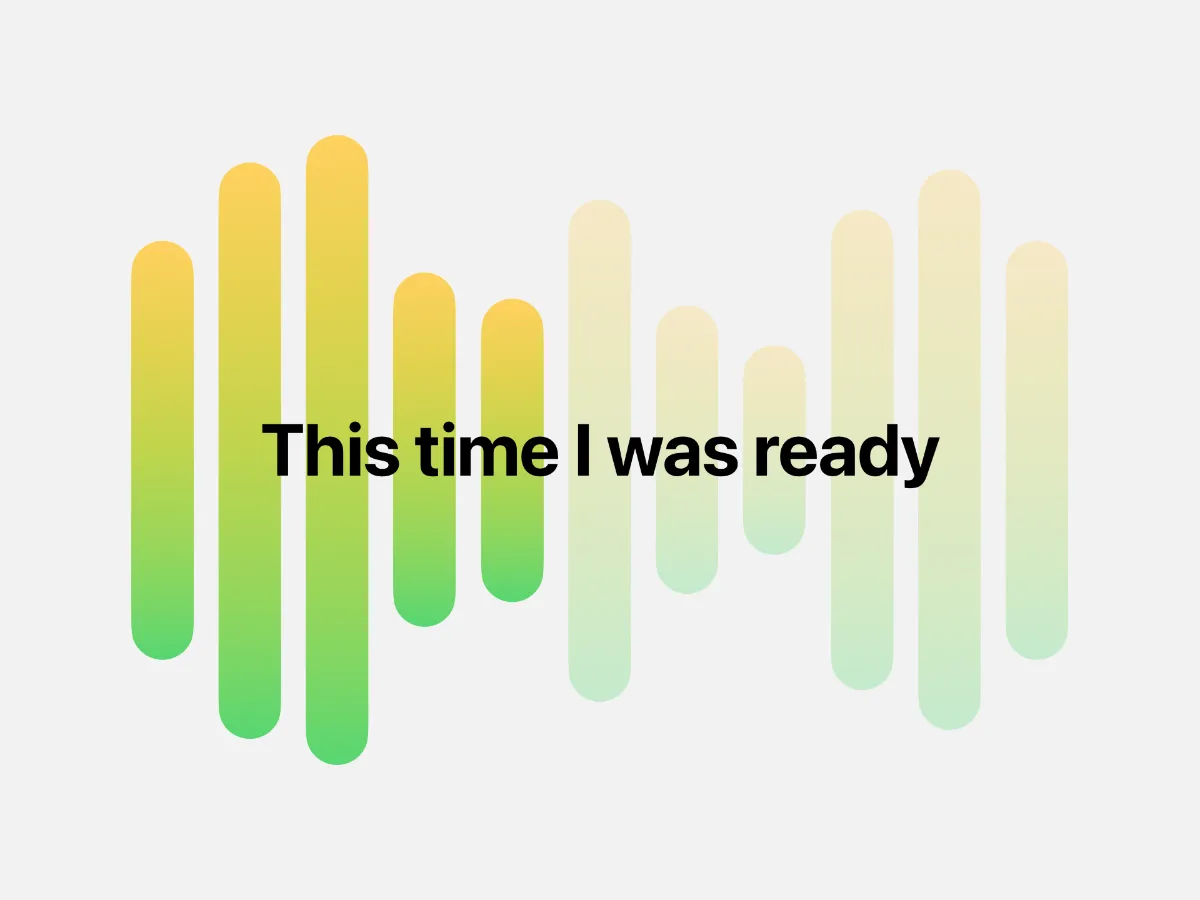
Follow every word as it’s spoken.
Captions now appear over the waveform in time with the voice you’re listening to.
Every post gets a transcript, including older posts. If you prefer to listen without captions, you can turn them off in Settings → Show Captions.
Share as Video
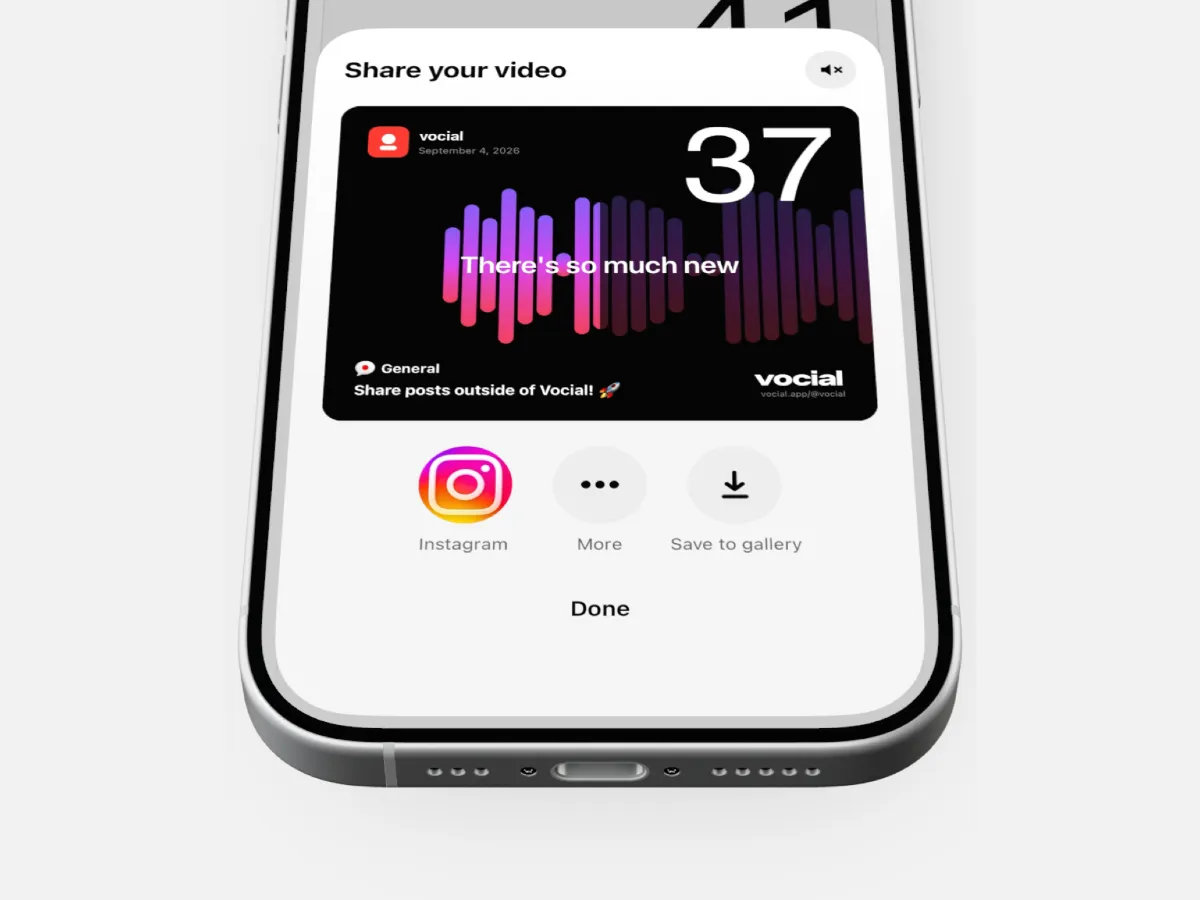
Take your voice beyond Vocial.
You can now turn any post up to five minutes long into a video, complete with an animated waveform and captions.
The video is created right on your phone, ready to share on Instagram, TikTok, Facebook, YouTube, or X — or save to your gallery.
Download Your Own Posts
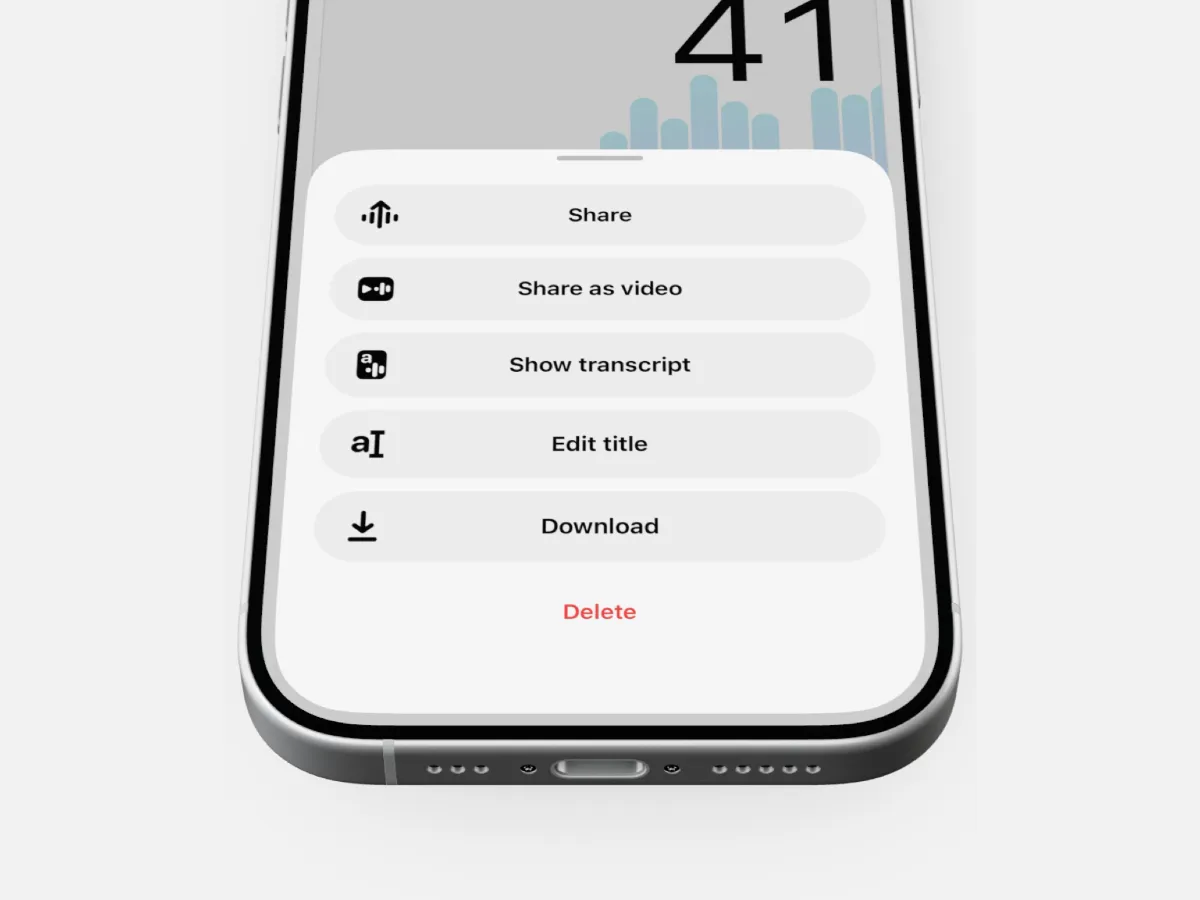
Keep a copy of your voice.
Tap ⋯ on any of your posts to download the audio as an M4A file, named “Vocial – your title.m4a”.
Back it up, keep it for yourself, or use it somewhere else.
Pause and Resume Recording
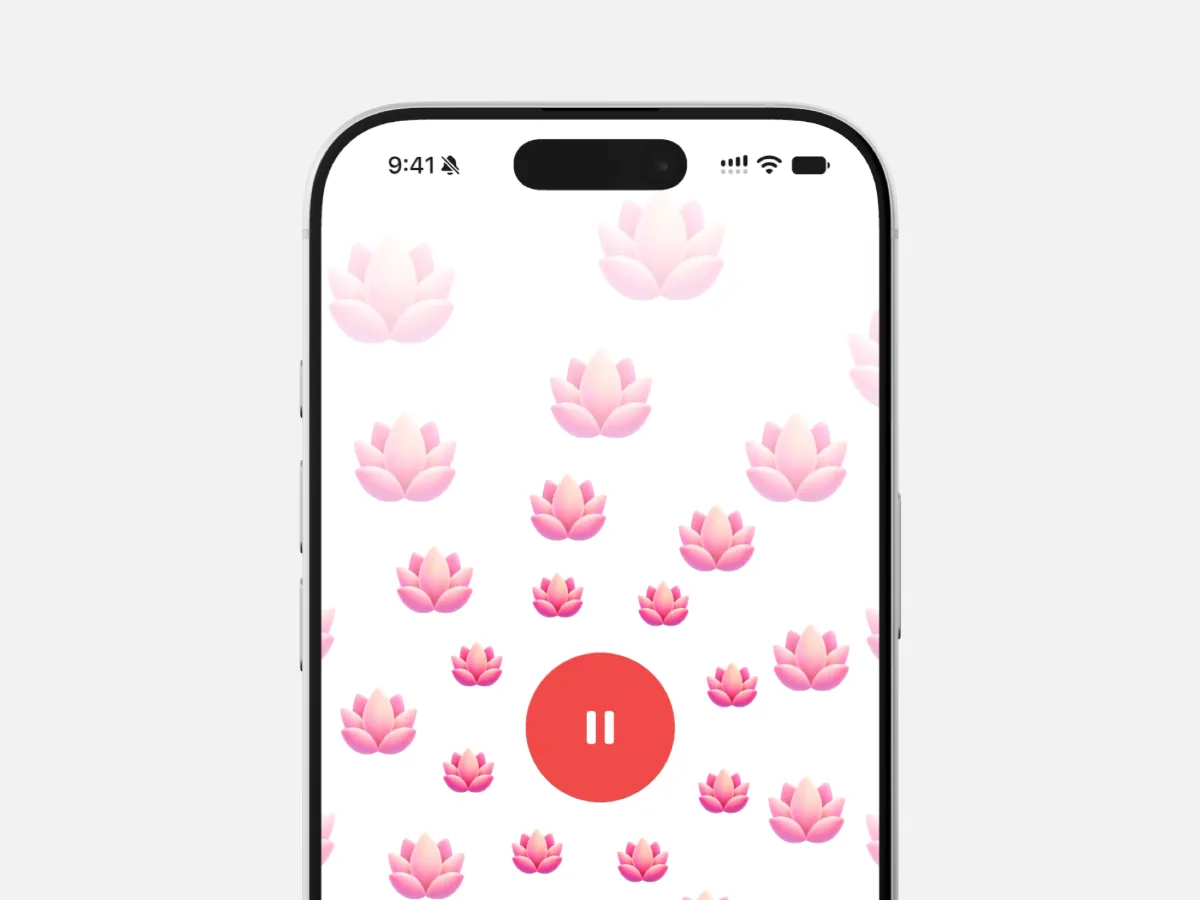
Take a breath. Pick up where you left off.
Tap the record button to pause, then tap it again to continue in the same take. The timer counts only the audio you’ve recorded. On iPhone, the Lock Screen and Dynamic Island show “Paused” with the clock stopped.
Recording also pauses automatically when a call comes in.
And background recording is now available on Android, too. Keep talking with your screen locked or while using another app, just as you already could on iOS.
Spotlight

Meet the people behind the voices.
Spotlight features a different member of the Vocial community with each edition, giving you a chance to get to know the person behind the posts.
This edition: Meet Monica.
Your First Post

Every voice starts somewhere.
New members are now invited to introduce themselves with a first recording.
That introduction appears in a dedicated “My First Post” bucket, making it easier for the community to find new voices and welcome them in.
And There’s More
Interrupted recordings are saved for your next visit. If the app closes mid-take, you can preview, publish, or discard your recording when you return.
A new Wellbeing category — a space for conversations about how we feel and look after ourselves.
Messages has a new conversation button with search across followers and people you follow, and an unread dot that stays in sync with your inbox.
A visual refresh brings new sheets with Liquid Glass on iOS 26, Vocial Sans and Vocial Display typefaces, a new splash screen, and a smoother native waveform on iPhone.
The photo gallery opens instantly, with a new crop screen.
Dragging through a waveform now moves smoothly, bar by bar.
Recording starts as soon as the countdown ends, with softer countdown sounds.
Notifications are easier to read, with a new icon for mentions.
Scrolling and swiping feel smoother on Android.
Automated moderation now checks images and profile photos to help keep Vocial safe.
More fixes and refinements throughout the app.